Lucky Imaging that Undoes the Seeing
TaraStack turns a planetary, lunar or solar video into one sharp image. It does not just pick the best frames and shift them into place: it measures how the atmosphere has bent every part of every frame, straightens it, and keeps, area by area, the frames that were sharpest right there. Open a video, look at the result, tune the sharpening live.
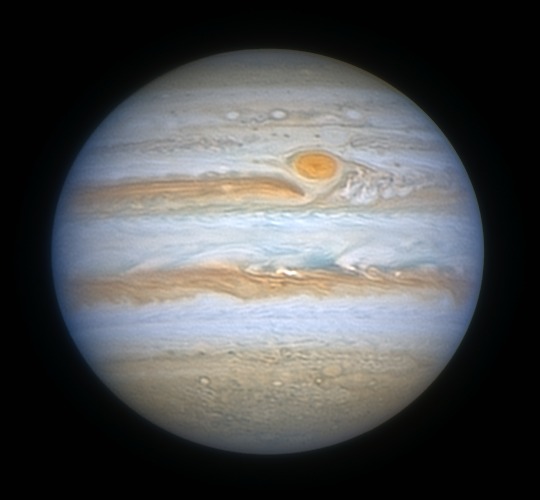
Jupiter and the Great Red Spot from a single video, stacked and sharpened by TaraStack. Video by Cristian Fattinnanzi.
How it Works
Turbulence does two things to a planetary video: it blurs whole frames, and it bends small parts of each frame in different directions. Shift-and-add stacking fixes only part of it. TaraStack goes after both.
Frame selection
Every frame gets a sharpness score at the scale of real detail, not of noise. A graph shows the quality along the whole video: choose the range and the share of frames to keep.
Dewarping the seeing
A reference is built from the best frames, then the local displacement of each frame is measured and undone. The reference is rebuilt from the corrected frames and the process repeats: each pass gets sharper.
Local selection
A frame can be sharp on one side of the disk and blurred on the other. For every area of the image TaraStack keeps only the frames that were best right there.
Planets, Moon and Sun
Planets are found and centred automatically. Lunar and solar surfaces, filling the whole field, are tracked across the frames and stacked edge to edge.
Live sharpening
Deconvolution, wavelets on four scales, noise reduction, saturation, colour balance and tone, applied to the luminance with the limb protected from bright rims. Every change shows up at once.
Settings saved with the video
Save parameters writes a small file next to the video: open the same video again and every setting comes back.
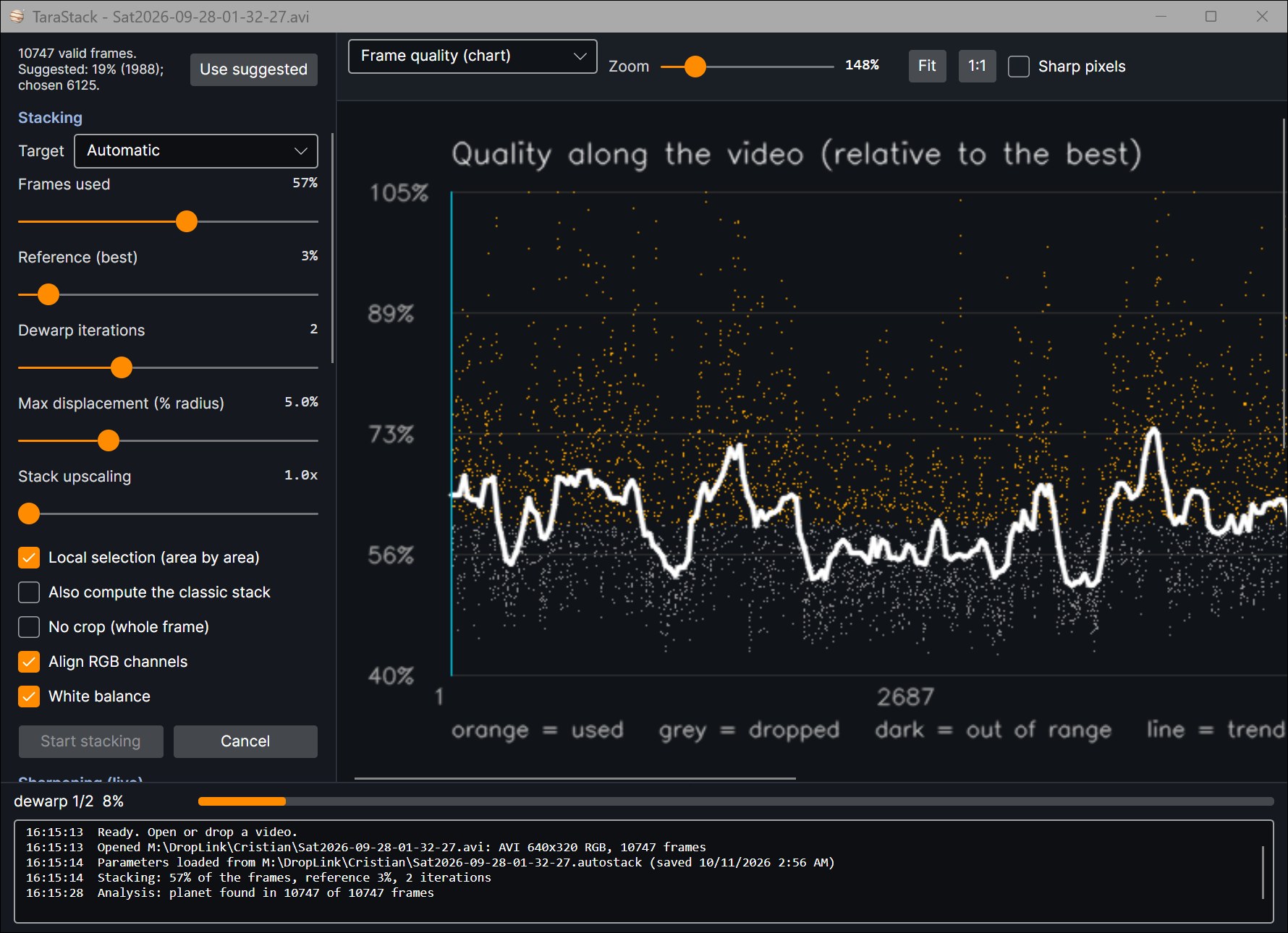
The quality of each frame along the video: orange frames are used, grey ones are dropped. The interface is in English and Italian.
Gallery
Every image here is a single video stacked by TaraStack. Click to enlarge.
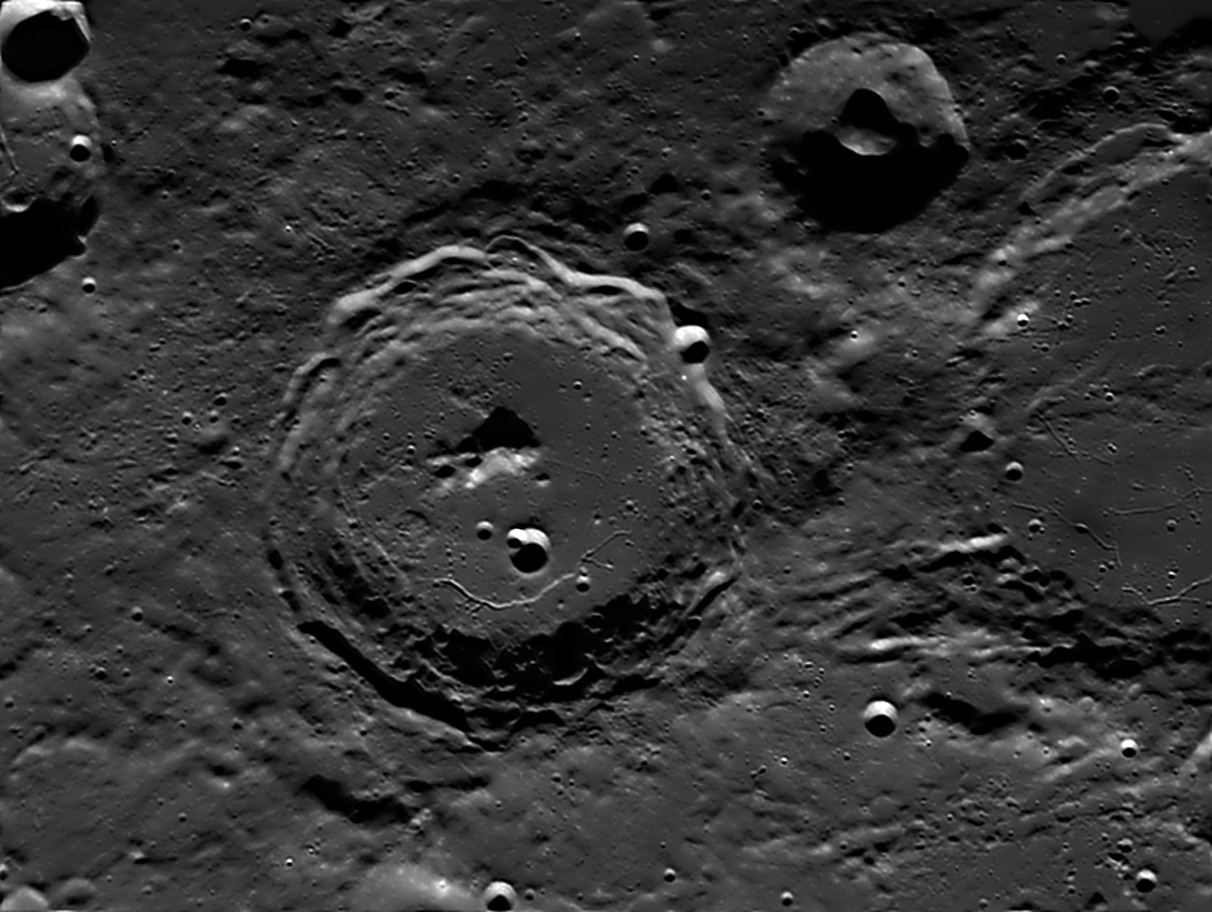
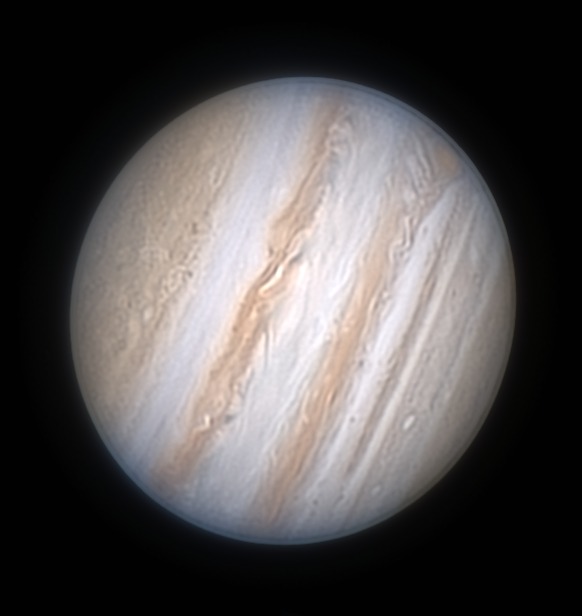
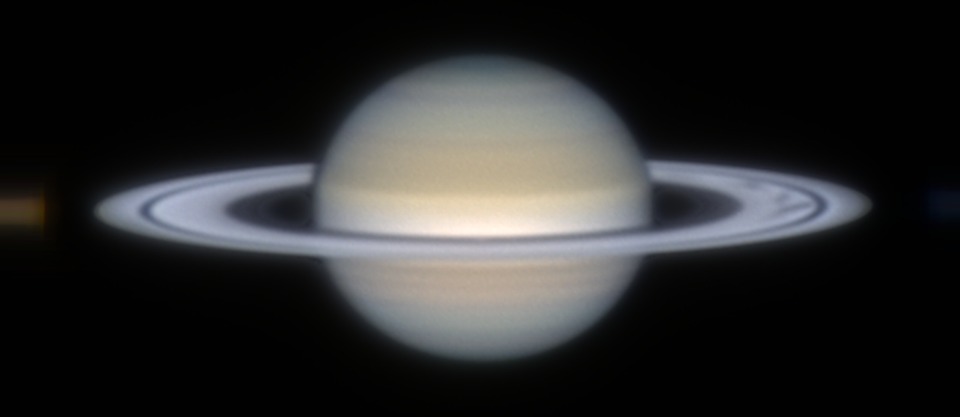
Videos: Cristian Fattinnanzi (Moon, Saturn, Jupiter with the Great Red Spot); Borodog (Jupiter, second image, from the free SER file thread on Cloudy Nights). Processing: TaraStack.
Details
Windows 7, 10 and 11, 64-bit
Two downloads: one for Windows 10 / 11 with everything inside, one for Windows 7 SP1 that uses .NET Framework 4.8.
SER and AVI
The usual capture formats of planetary cameras, mono or colour. Results are saved as 16-bit TIFF, ready for your favourite tools, and as PNG.
Nothing to install
Unzip the folder anywhere and start TaraStack.exe.
Free
TaraStack is free. It is a beta: reports, videos that go wrong and ideas are very welcome.
Try it on Your Videos
Choose the version for your Windows, unzip it and start TaraStack.exe. Then drag a video onto the window.
Windows 10 / 11 — 0.21b — 82 MBThe Windows 7 version needs .NET Framework 4.8 (already present on Windows 10 and 11, where it works too). Windows may warn about an unknown publisher the first time: choose More info → Run anyway.
renato.tarabella@gmail.com