Sculpt with Distance Fields,
Render with Real Light
RayMarch Studio is a modeller built on signed distance fields: shapes that melt into each other with smooth blends, carve and intersect, twist and bend — all raymarched live on your GPU, with real reflections, glass and metal, and exported as watertight meshes ready for 3D printing.
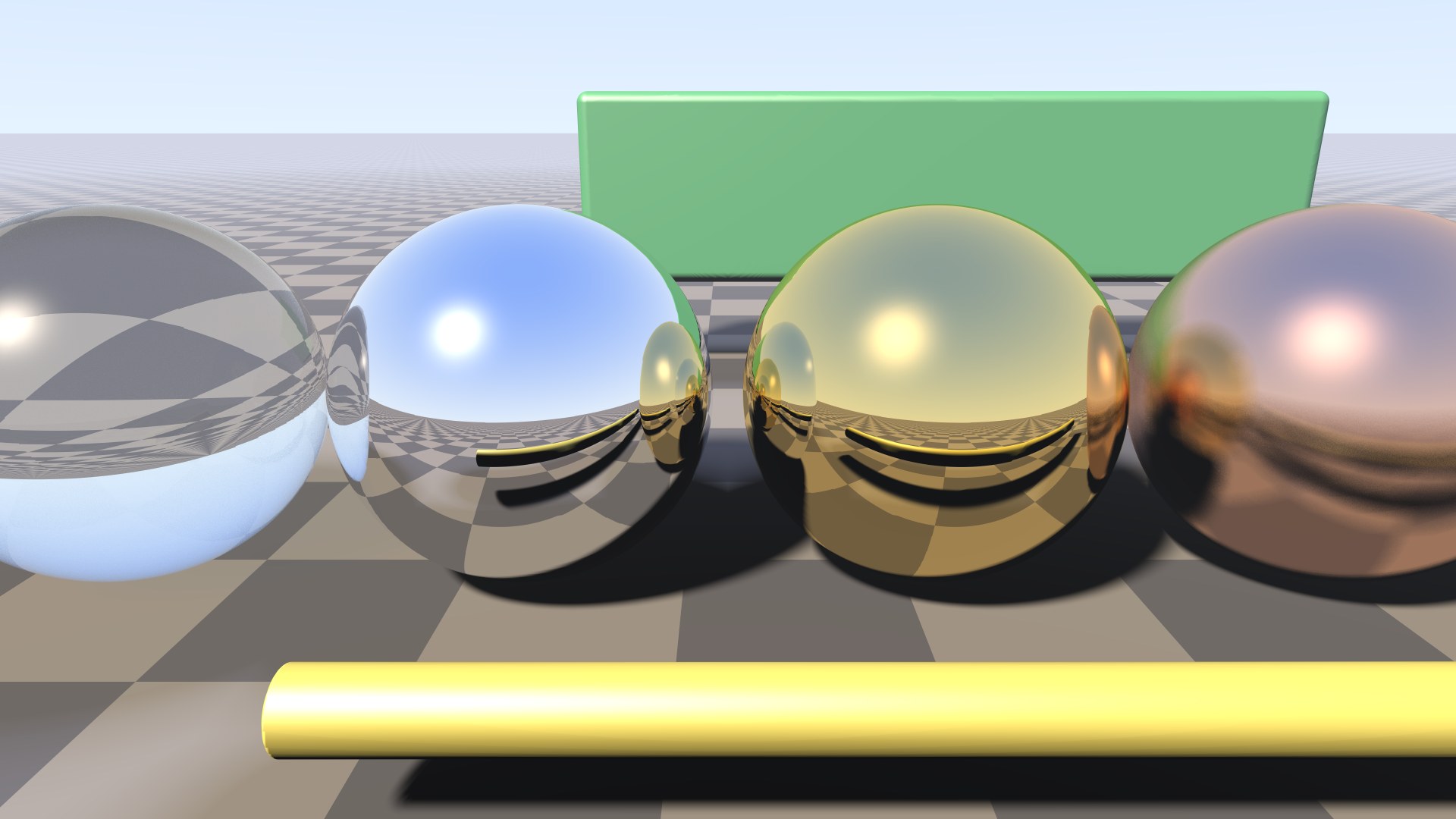
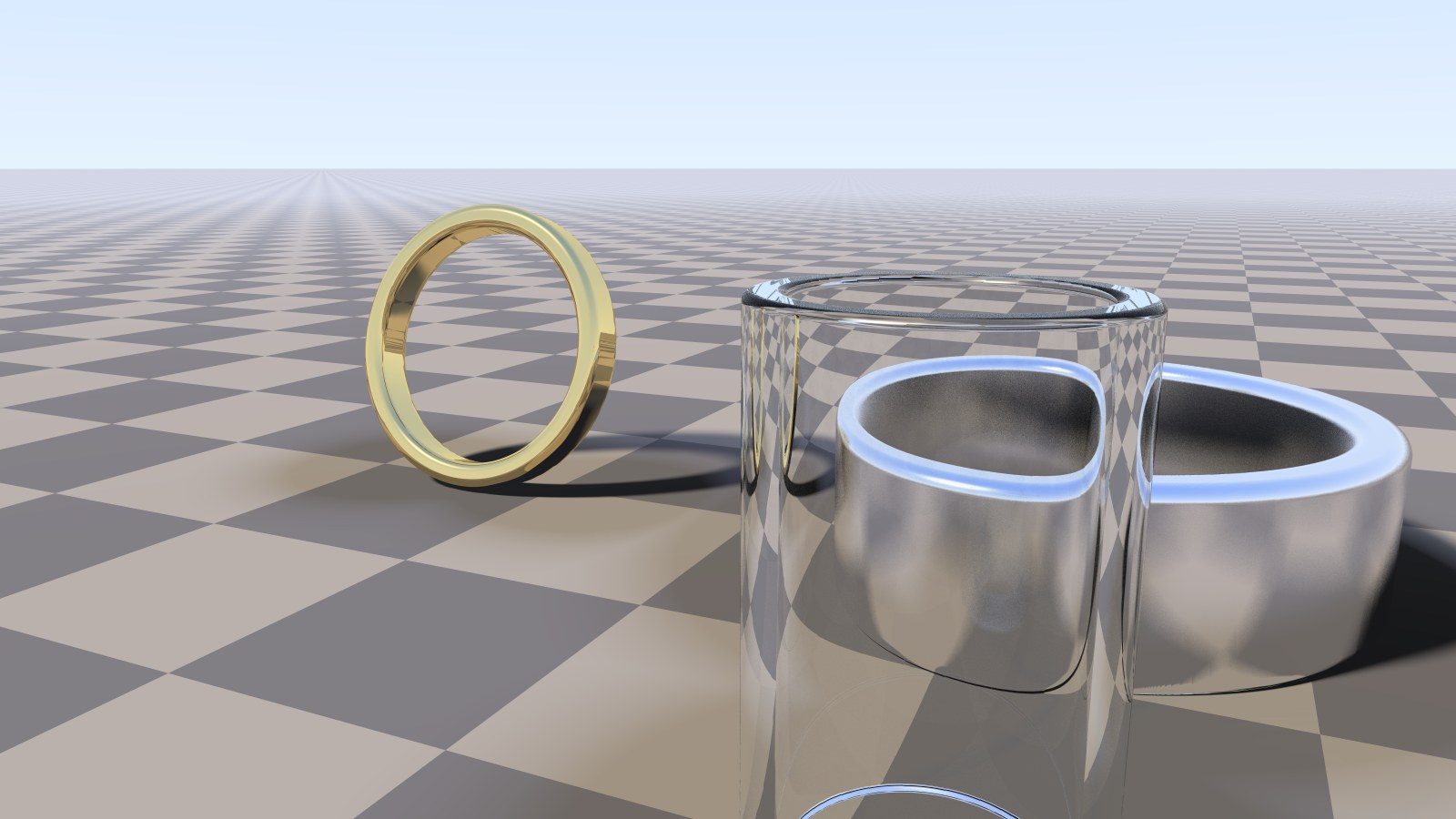
Glass, chrome, gold, brushed copper and a glossy paint — rendered in RayMarch Studio.
Key Features
Distance fields have no polygons to manage: shapes blend, carve and bend freely, and every change is visible instantly in a live, raymarched view.
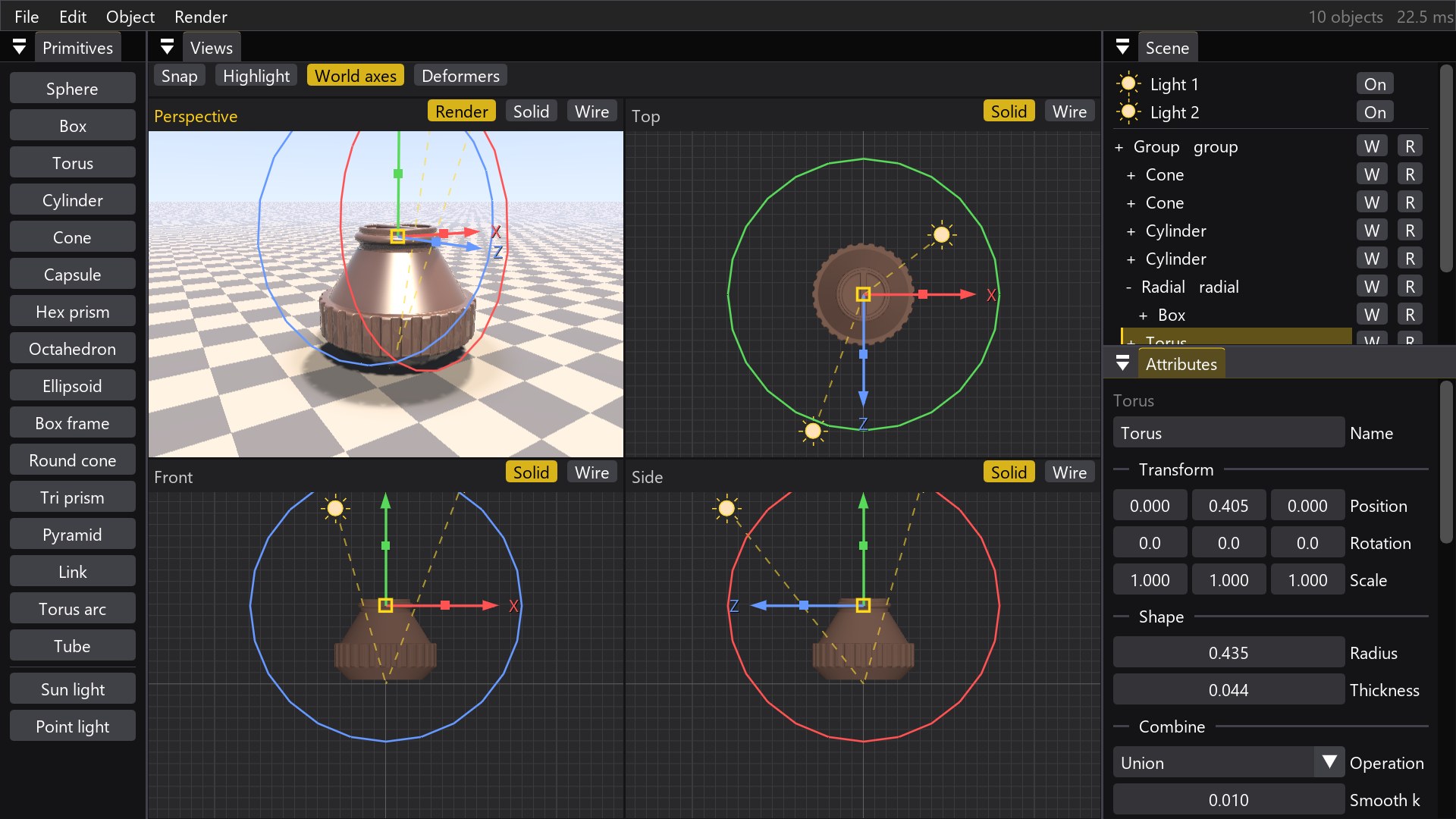
Modelling with Smooth Blends
Sixteen primitives — spheres, boxes, tori, cones, capsules, links, tubes and more — combined in a scene tree with union, subtraction and intersection.
- Smooth k melts shapes together, no topology to manage
- Round and Shell on any object or group
- Radial cloner for knurled caps and gears
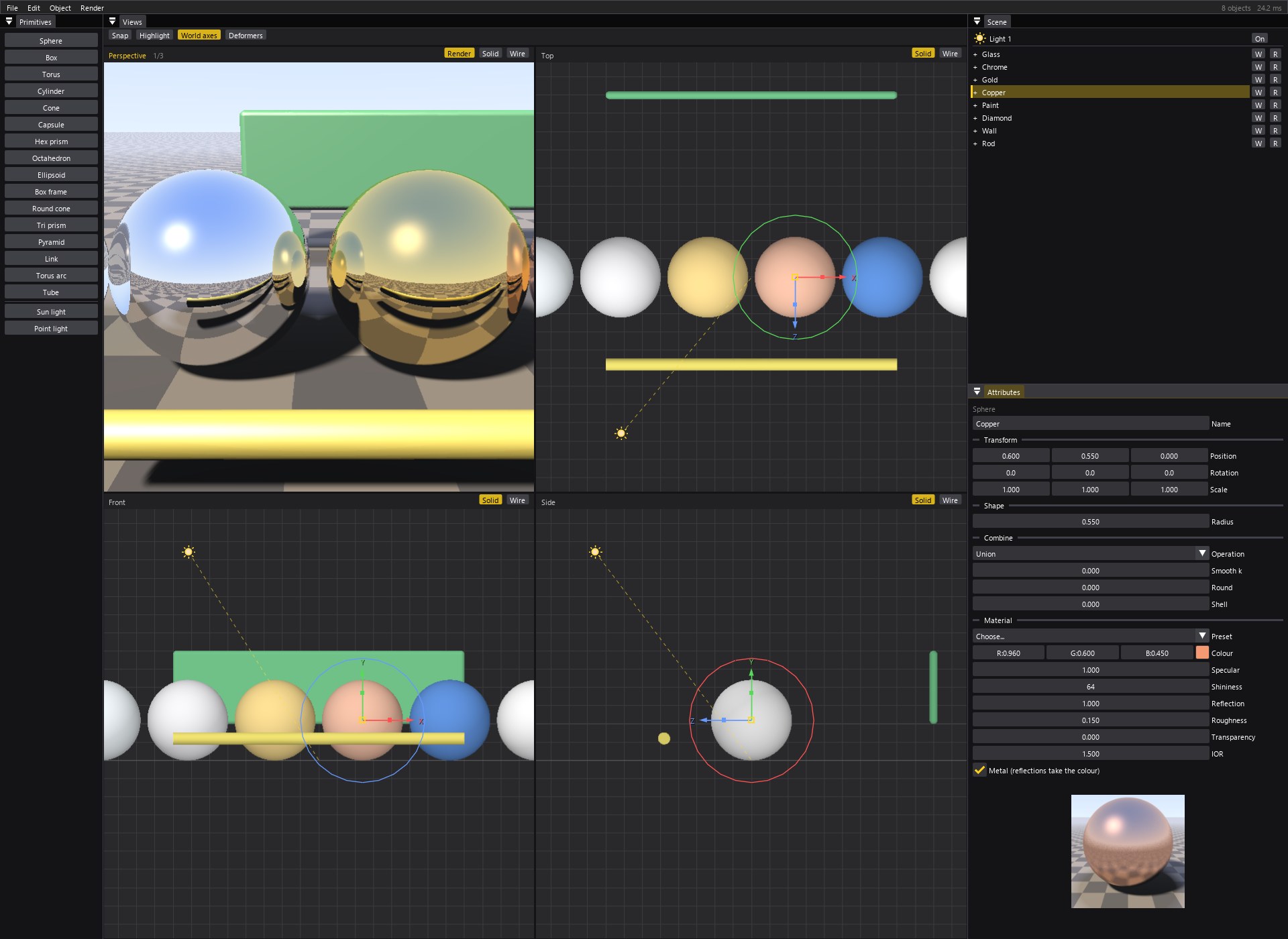
- Four live views: perspective render, top, front, side
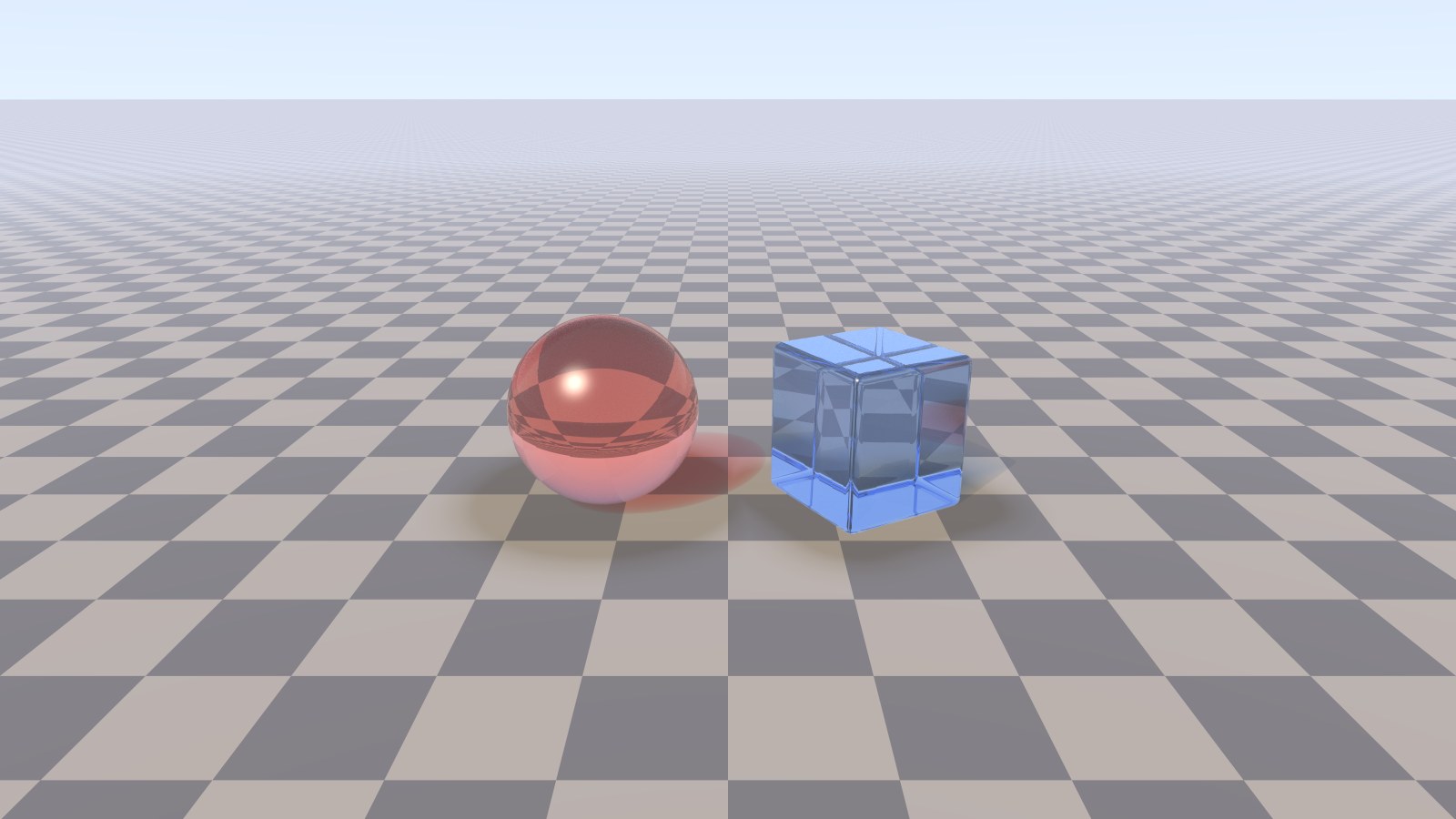
Real Rays: Glass, Metal, Mirrors
Rays really bounce on the GPU: Fresnel reflections, refraction with a true index of refraction, colour absorbed through the thickness of the glass, and light passing through it into soft, tinted shadows.
- Reflection, roughness, transparency, IOR, metal
- Progressive final render with antialiasing
- Save renders as PNG
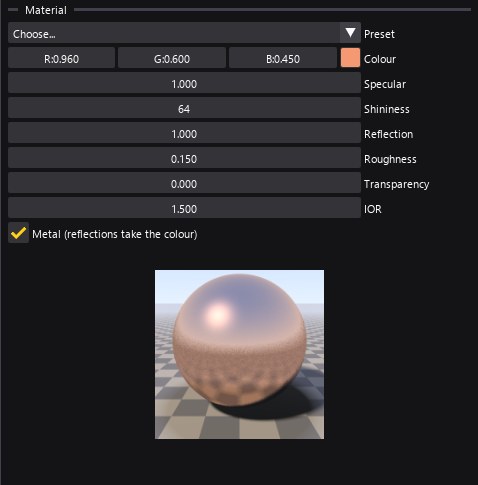
Material Editor with Presets
Plastic, Glossy paint, Glass, Water, Diamond, Chrome, Gold, Copper, Brushed metal, Mirror: one click, then fine-tune. A live preview sphere shows the material as you change it.
- Set a value on many objects at once — mixed values are shown as such
- Copy and paste materials between objects
Deformers You Can See
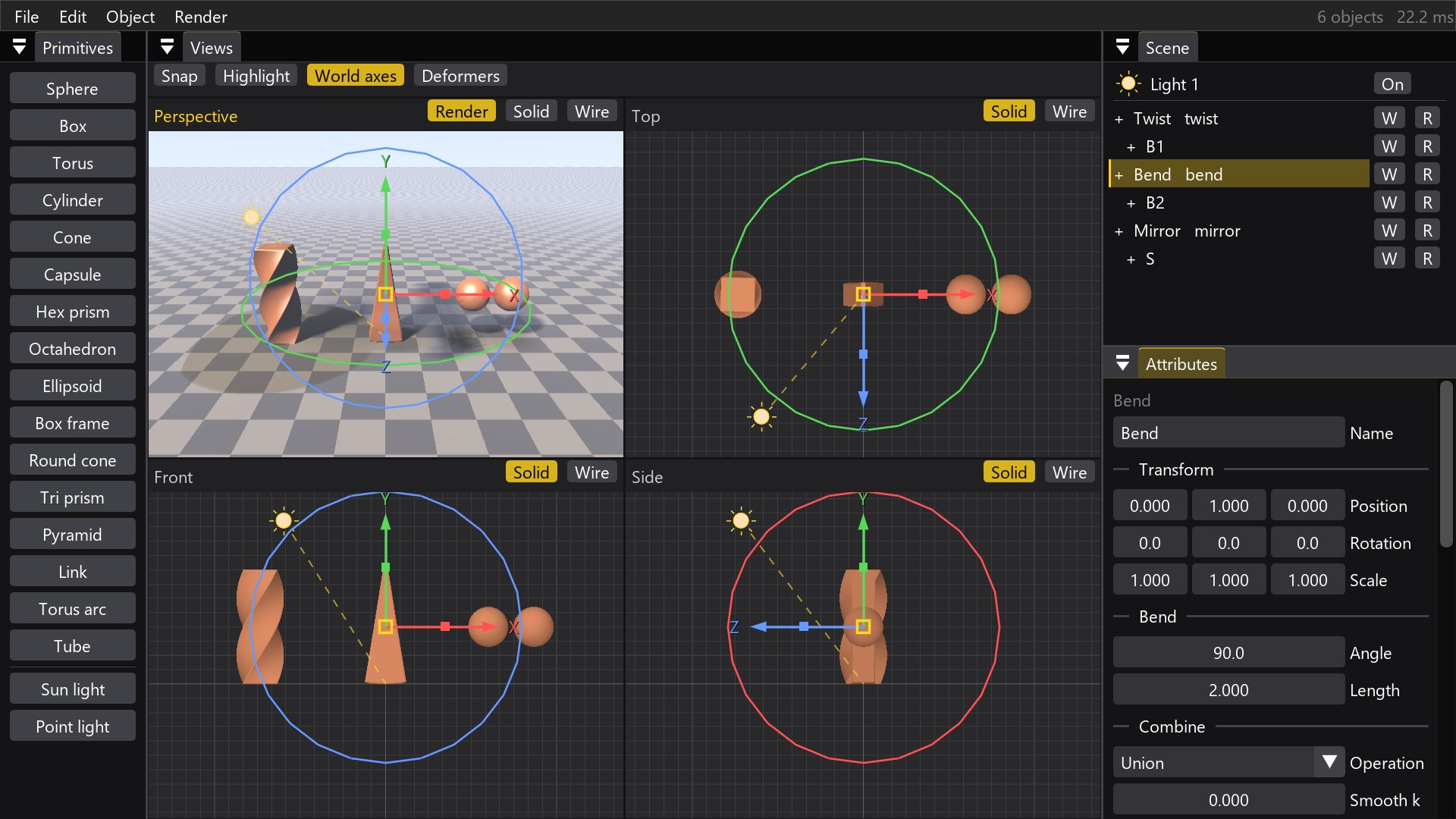
Twist, Bend, Taper and Mirror any group of objects. Each deformer is drawn as a cage that bends, twists and tapers with its children, so you always know where it points and what it does.
Symmetry, as in Cinema 4D: model one half, the mirrored copy follows; nest two for four copies.
Export for 3D Printing
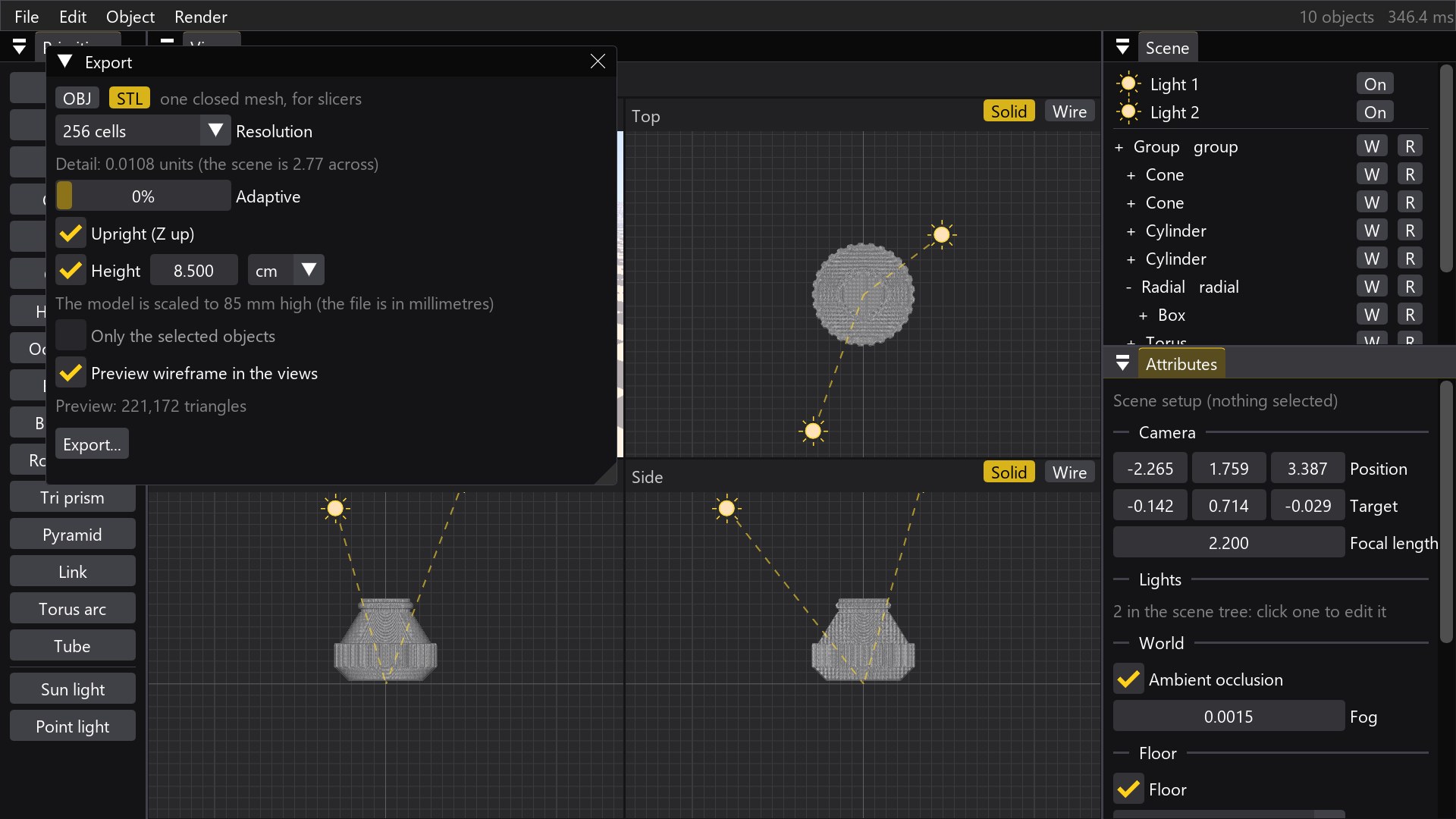
Turn any scene into a closed triangle mesh: STL for slicers or OBJ with one group and one material per object for Cinema 4D, Blender, Rhino and Houdini.
- Sharp edges kept sharp (dual contouring)
- Adaptive: fewer triangles where the surface is flat
- Live wireframe preview of the mesh before saving
- Z up and real-world height in millimetres
A Workflow Made for Makers
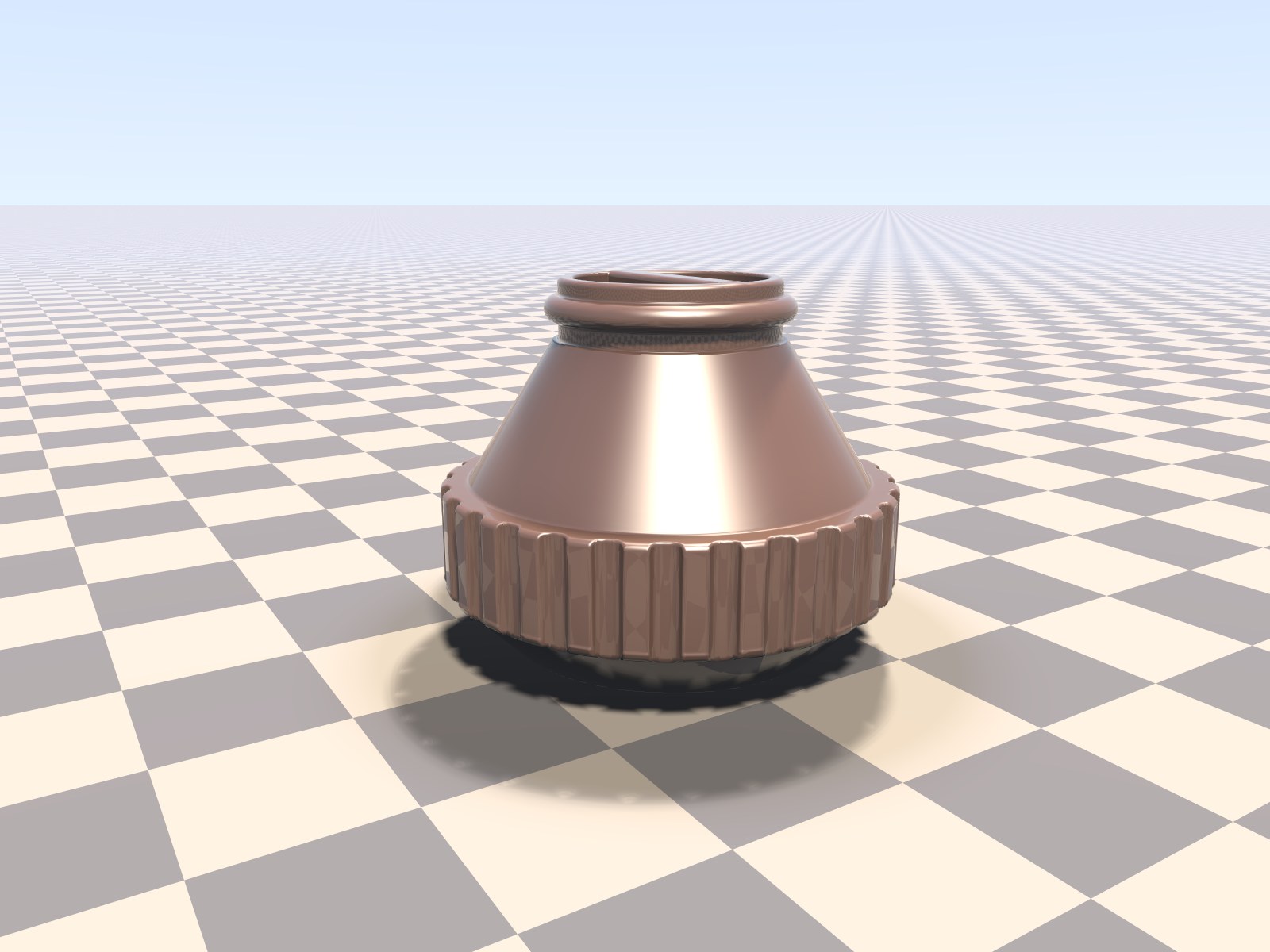
Familiar to Cinema 4D users: one handle for many objects, object or world axes, Place on and Drop to floor to stack pieces in seconds, frame with O, orbit around any point with F, middle click for a single view.
The cap above was built from ten objects: cones, cylinders, a torus and a radial cloner.
Gallery
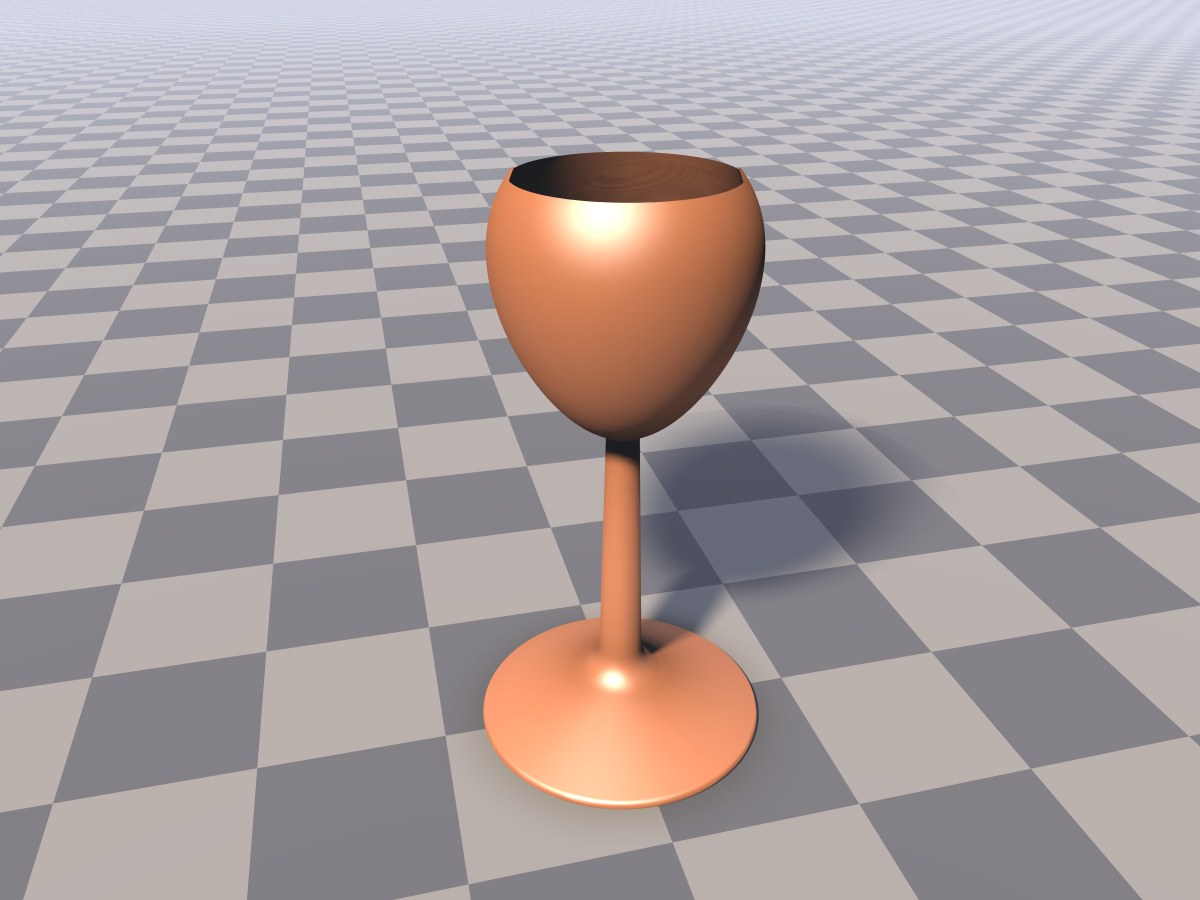
Every image on this page was rendered by RayMarch Studio itself.
Details
Windows 10 / 11, 64-bit
One file, nothing to install. The first start unpacks it in a few seconds.
OpenGL 4.1 graphics
Any graphics card of the last ten years. All the rendering runs on the GPU.
Light scene files
Scenes are small text files: a whole model is a few kilobytes, easy to keep, share and version.
OBJ + STL export
Watertight meshes with materials, Z up, real-world size in millimetres.
Start Sculpting
RayMarch Studio is in beta. Download it, try it on your own ideas, and let me know what you make with it.
Start the 7-day free trial with your email. Already bought a license? Activate it with the email you bought it with (Help → License). Without a trial or a license you can still open and look at scenes; saving, export and the final render are disabled.
Download 0.56b — 41.4 MBWindows may warn about an unknown publisher the first time: choose More info → Run anyway. RayMarch Studio contacts the license server only to start the trial or activate a license; it sends no personal data beyond the email you type.
renato.tarabella@gmail.com